Microsoft Flight Simulator 2024: How to Take Off, Fly, and Land

Universe Dragon
0 of 3 guides completed
If you've just gotten Microsoft Flight Simulator 2024 and are eager to start, know that its incredibly complex. I highly recommend buying a flight stick or yoke to go along with it if you can afford to do so (and you'll have to spend a while binding controls), but my teachings will be relatively universal for all systems.
Subscribing is a steal: you can get this guide for one-tenth of the price, along with other guides I put out! (And trust me, there'll be quite a few: MSFS, Dark Souls, and more!)
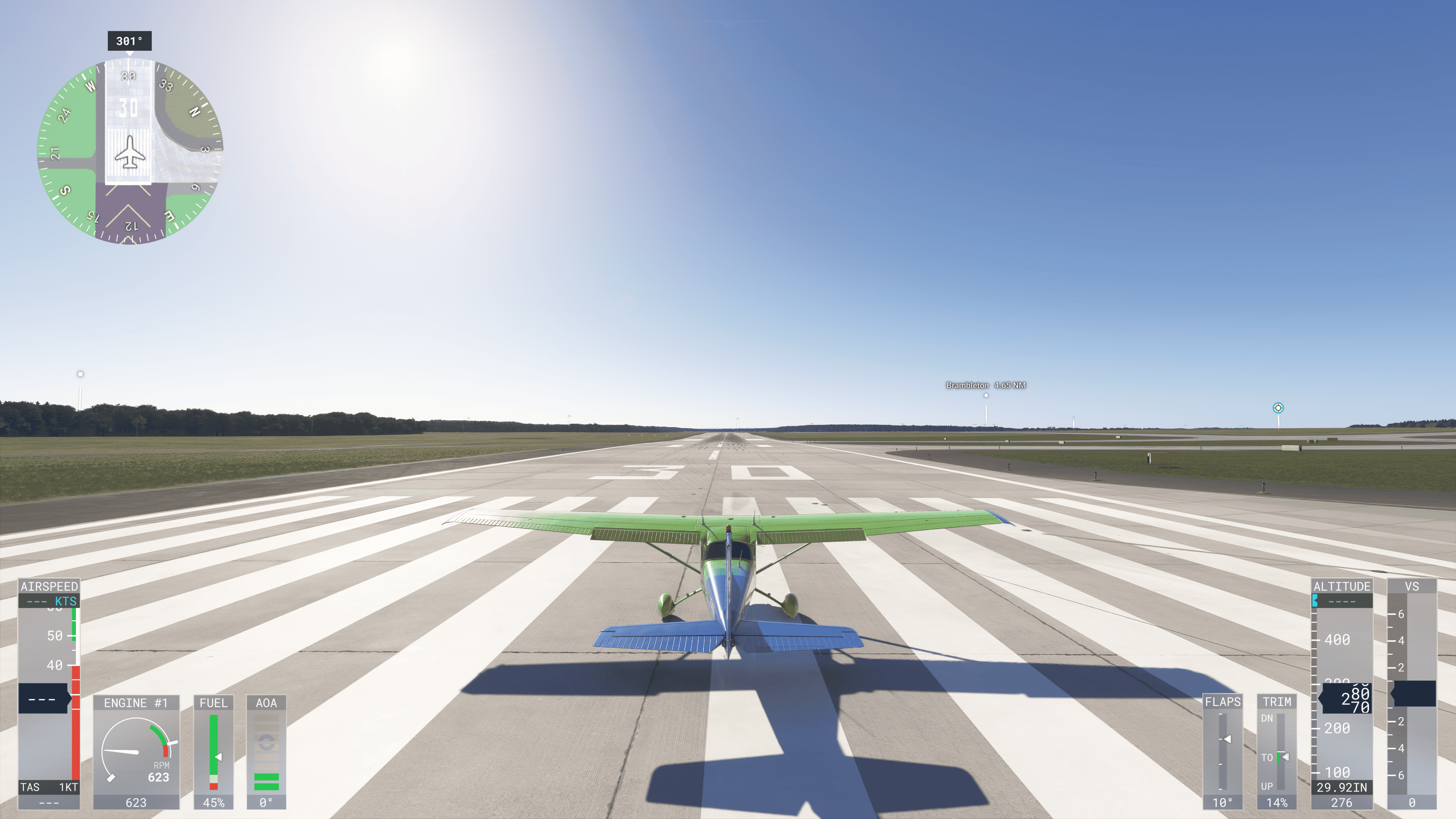
I'll jump right into it: I'll be teaching you from the Free Flight mode. Yes, I'm aware the game has an in-game tutorial under activities. However, that tutorial is complex and gets mad at you for the slightest misinputs. My goal is to be both faster and better. Your first step is to pick an airport. I'll personally be narrating this guide from KIAD, or Washington Dulles International Airport.
I chose Dulles (KIAD) because it's got several long runways, but if you prefer another airport, feel free to use that one. Type it into the search bar in Free Flight.
Purchase or subscribe to read
Buy this guide for 1000 tokens, or subscribe to @universe_dragon to access all their subscription guides.
1000 tokens ≈ $10.00 USD